The tool
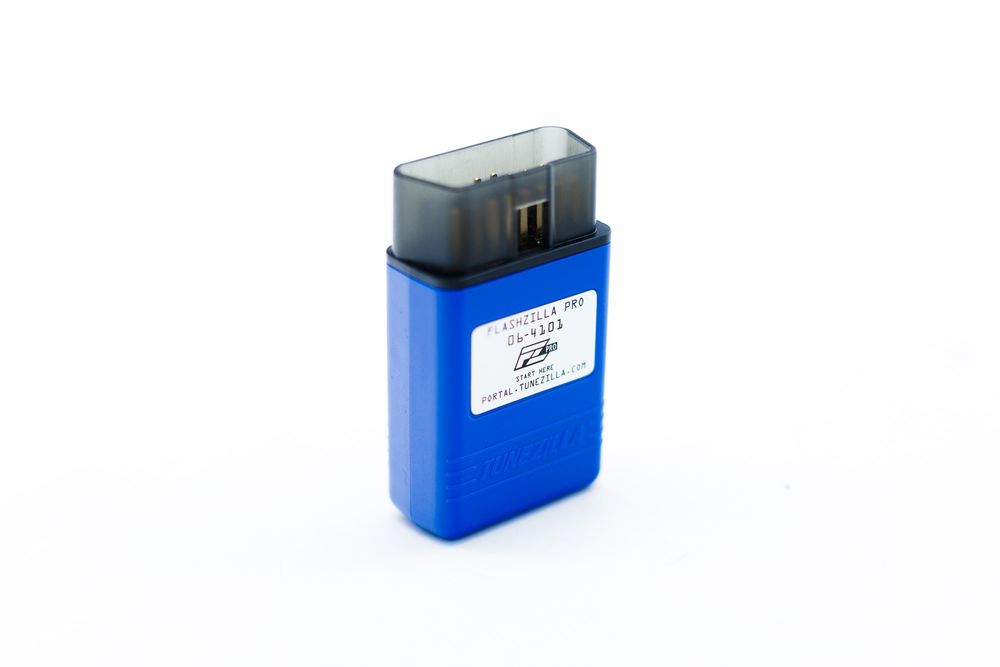
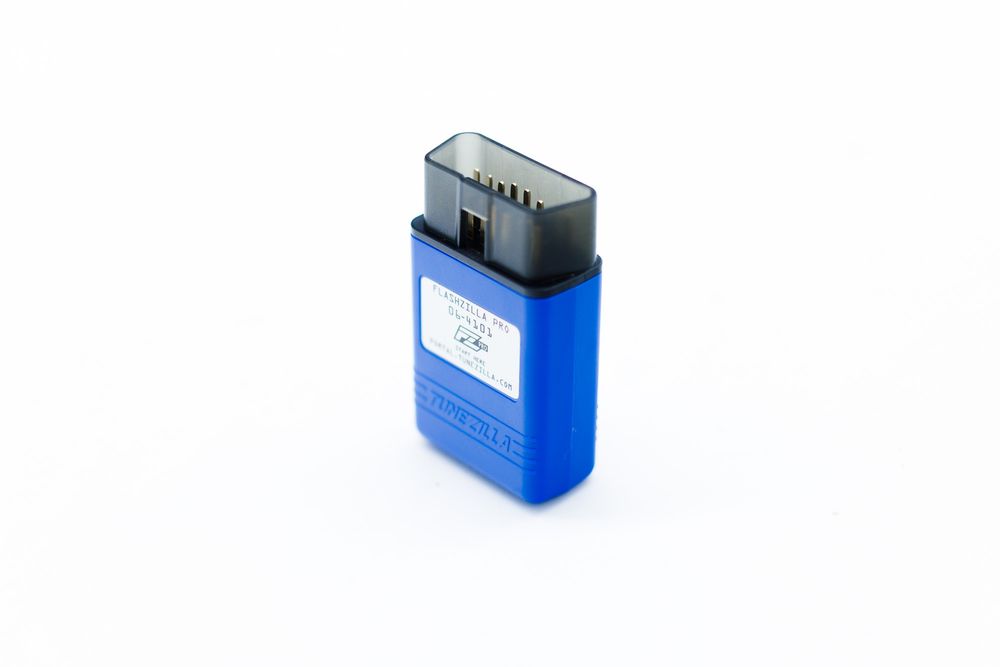
FlashZilla Pro
$139.99 USD
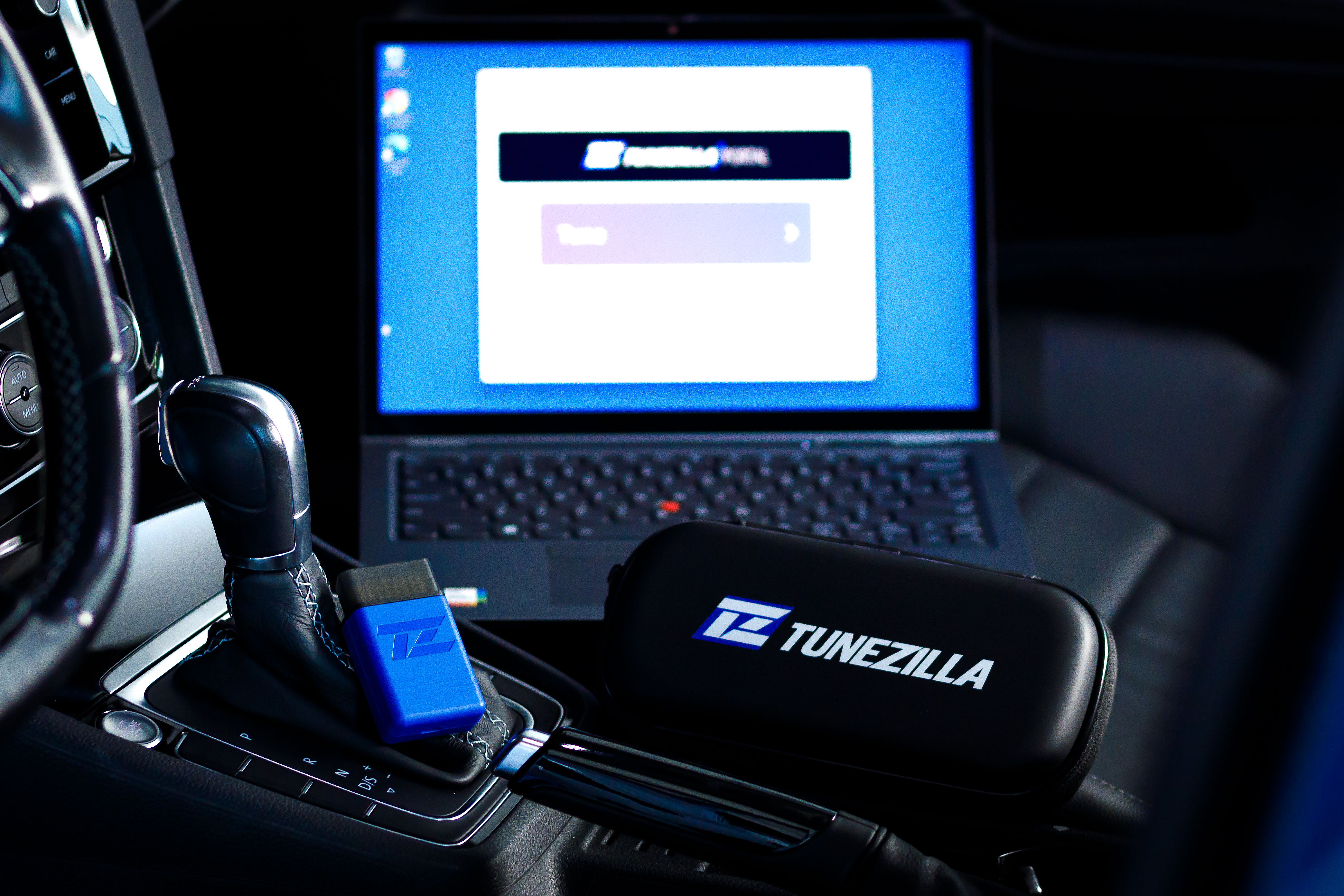
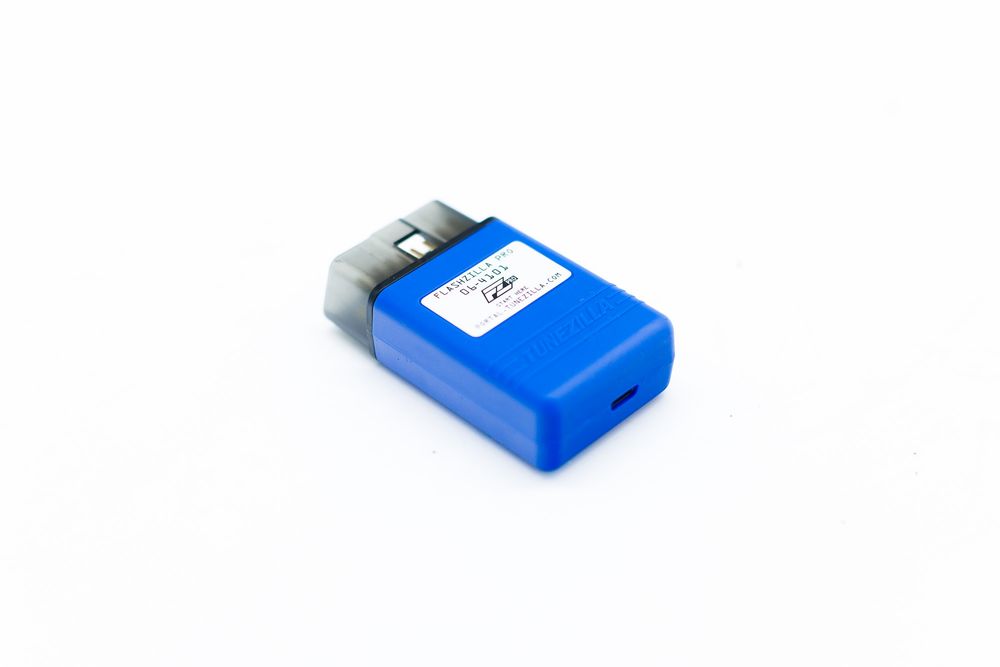
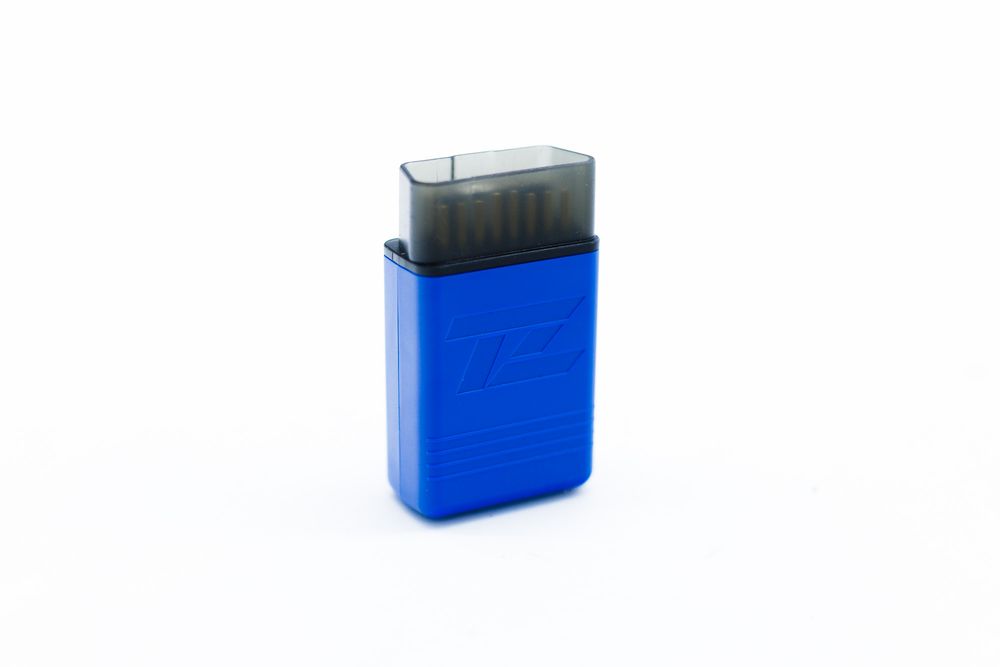
FlashZilla Pro is the OBD interface that writes the calibration you purchased into your car. You buy credits for a configuration, we assign them, and the tool does the write in your driveway. We don't sell or hand over raw tune files.
- Required to flashAny build with ECU, TCU or Haldex credits needs one.
- One per buildAlready own a compatible unit? Say so in the configurator and we won't add another.
- Not needed for partsA parts-only order never requires a device or credits.
What you need to flash
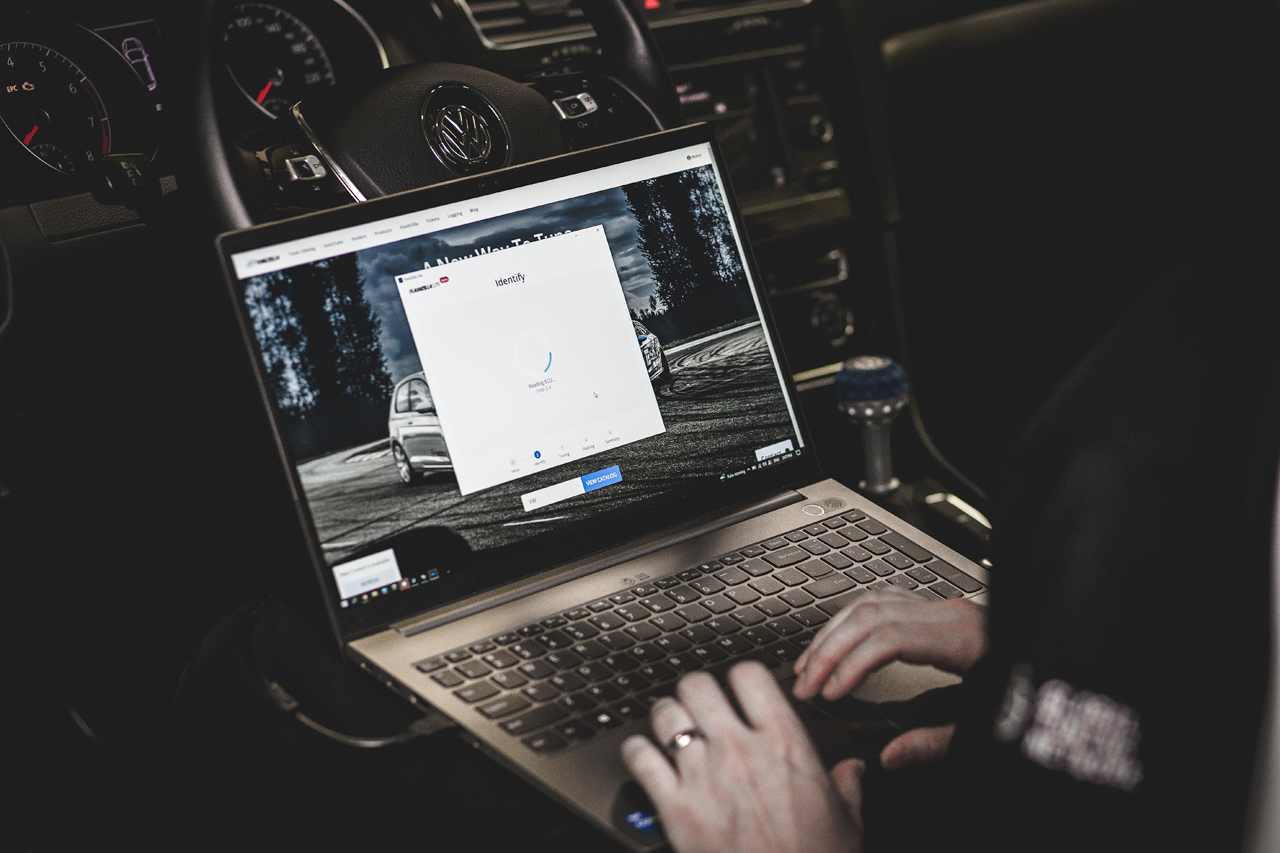
- A Windows 10 or 11 laptopThe TuneZilla Portal app runs on Windows 10 or 11 only. Mac and tablets aren't supported for flashing.
- The TuneZilla Portal appInstall it and register your FlashZilla Pro at portal.tunezilla.com before the day you flash.
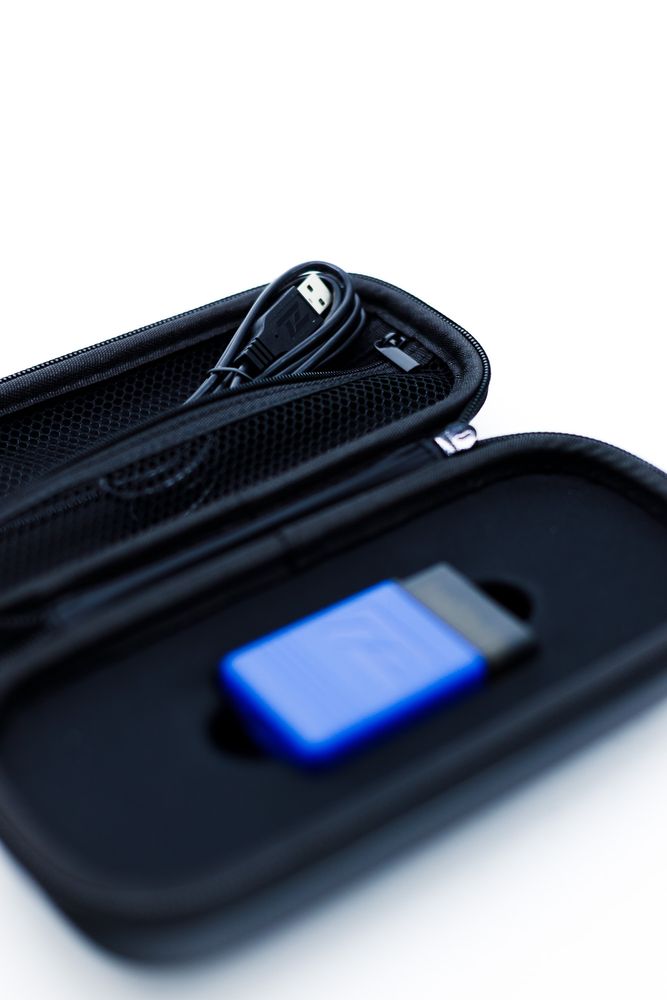
- The right USB cableUse a USB-A to USB-C cable. USB-C to USB-C cables don't work with the device.
- Internet, then optional offlineYou need a connection to download your tune. Tunes already in your library can be flashed offline.
- Controllers back to stockEvery ECU and TCU must be on factory software before its first FlashZilla Pro flash.
Shipping
- Standard$16.00 USD
- Express$35.00 USD
These rates cover the device. Performance parts are shipped and quoted on their own terms. Tax is applied per our merchant configuration and shown before payment.